How to Use The Wheel of Name (Step-by-Step Guide)
New to The Wheel of Name? Follow these simple steps to start spinning your own wheel of names!
The Wheel of Name is a free online random name picker and spinning wheel tool. It helps you randomly select winners for classrooms, giveaways, raffles, games, and team activities.
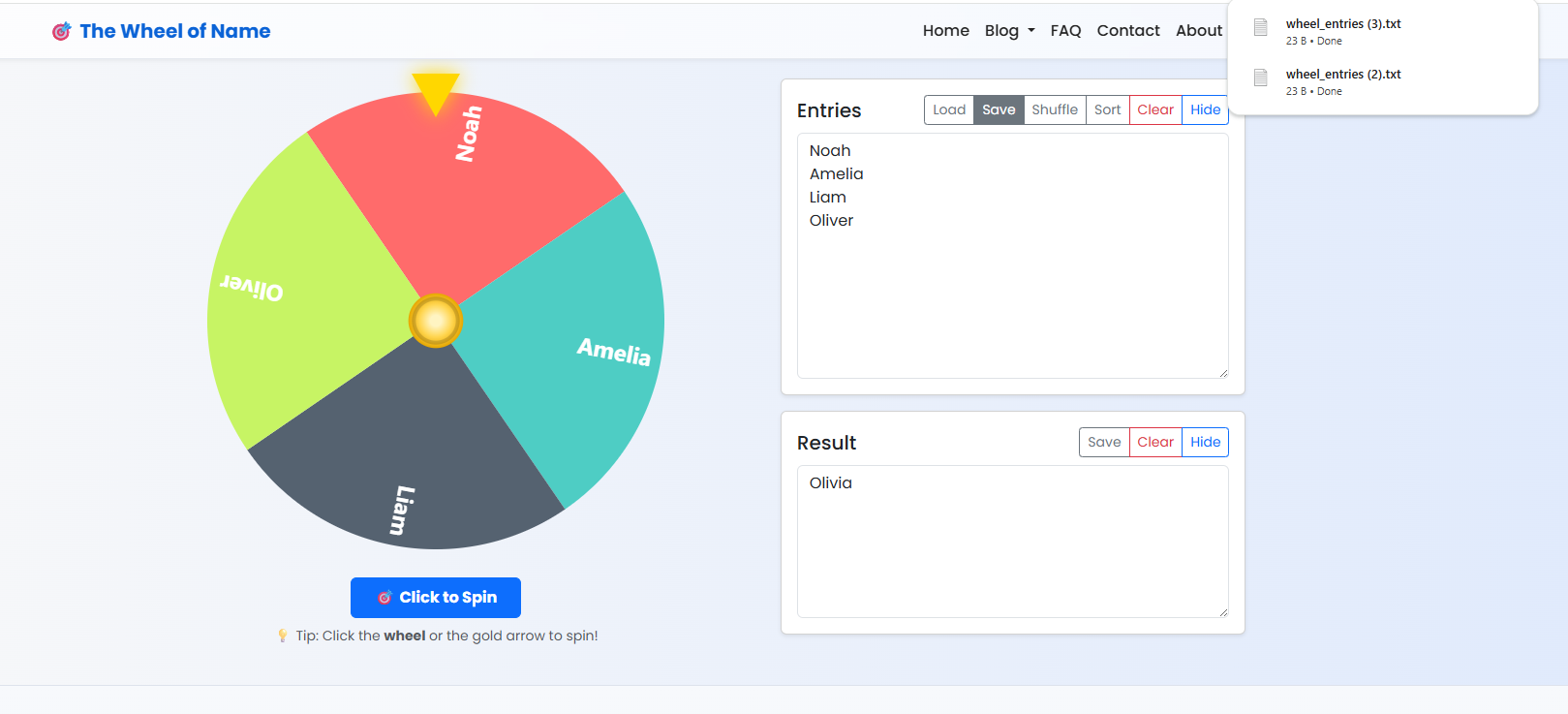
1️⃣ Step 1 — Add Your Names or Options
Enter each name on a new line in the text box, or click Upload JSON/Text/CSV File to import a list. You can add as many names as you like.
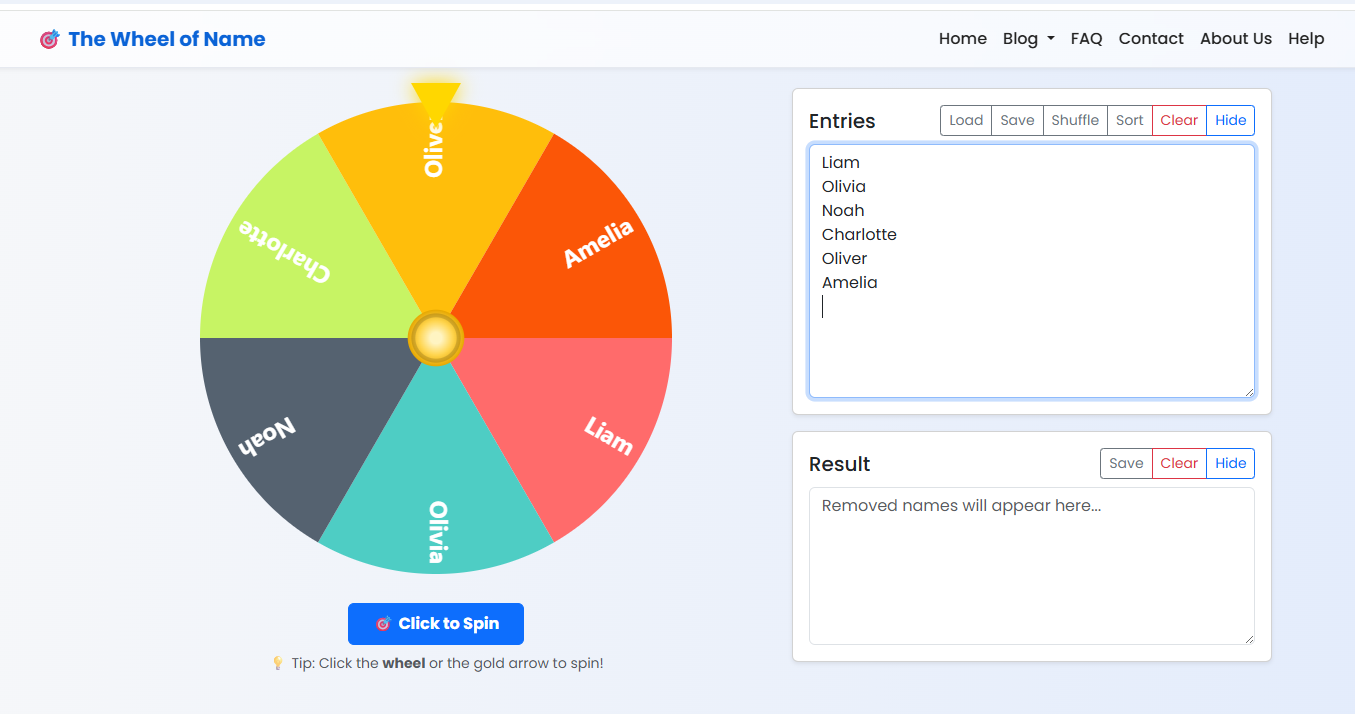
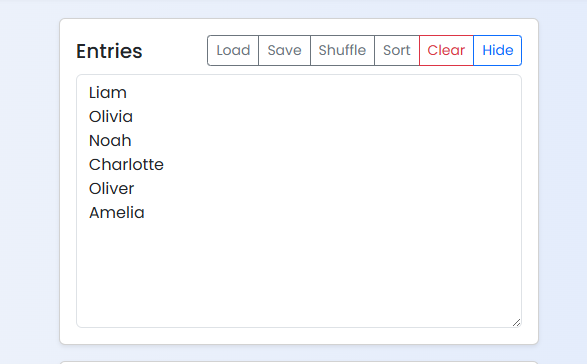
2️⃣ Step 2 — Review Your Entries
You can shuffle names, sort them alphabetically, clear all entries, or load saved lists. The wheel automatically updates based on your entries.
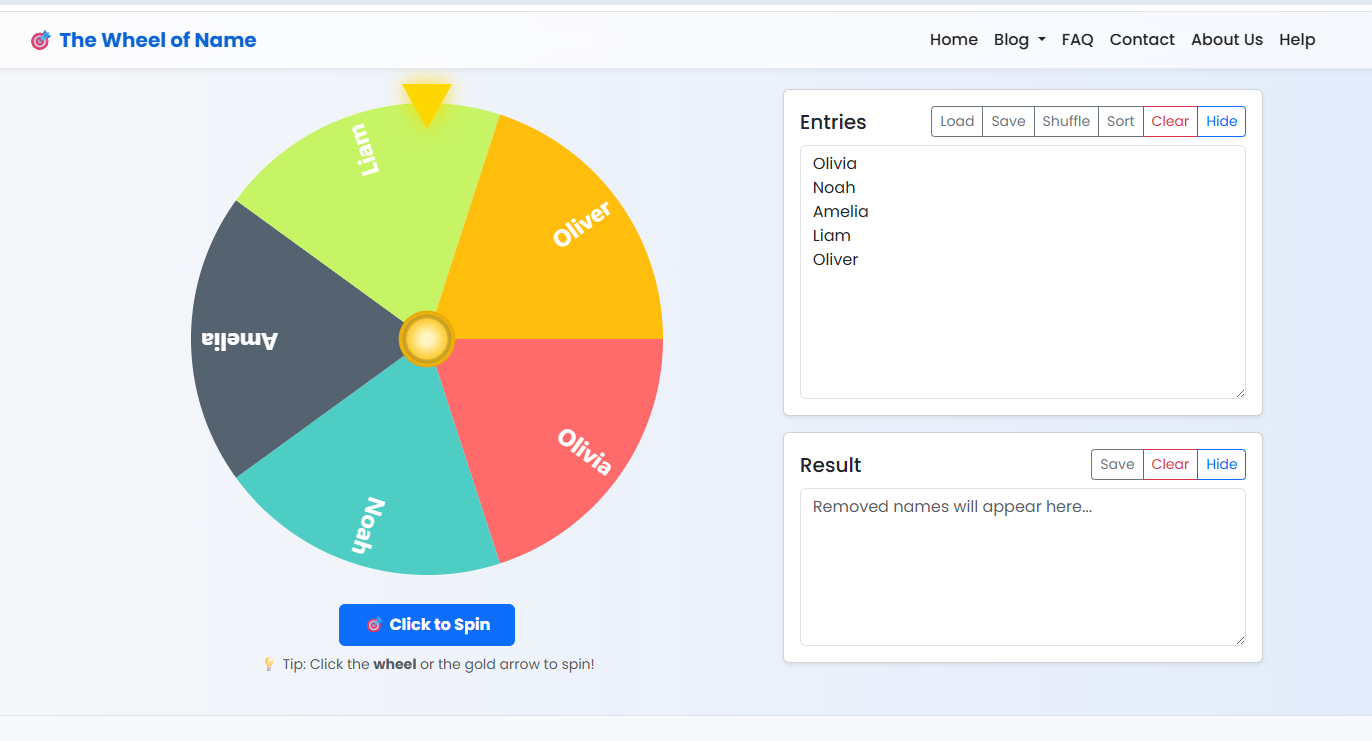
3️⃣ Step 3 — Spin the Wheel
Click the Wheel or gold arrow above the wheel or tap the Spin button to start. Watch the wheel rotate and land on a random name — the winner will appear in a popup!
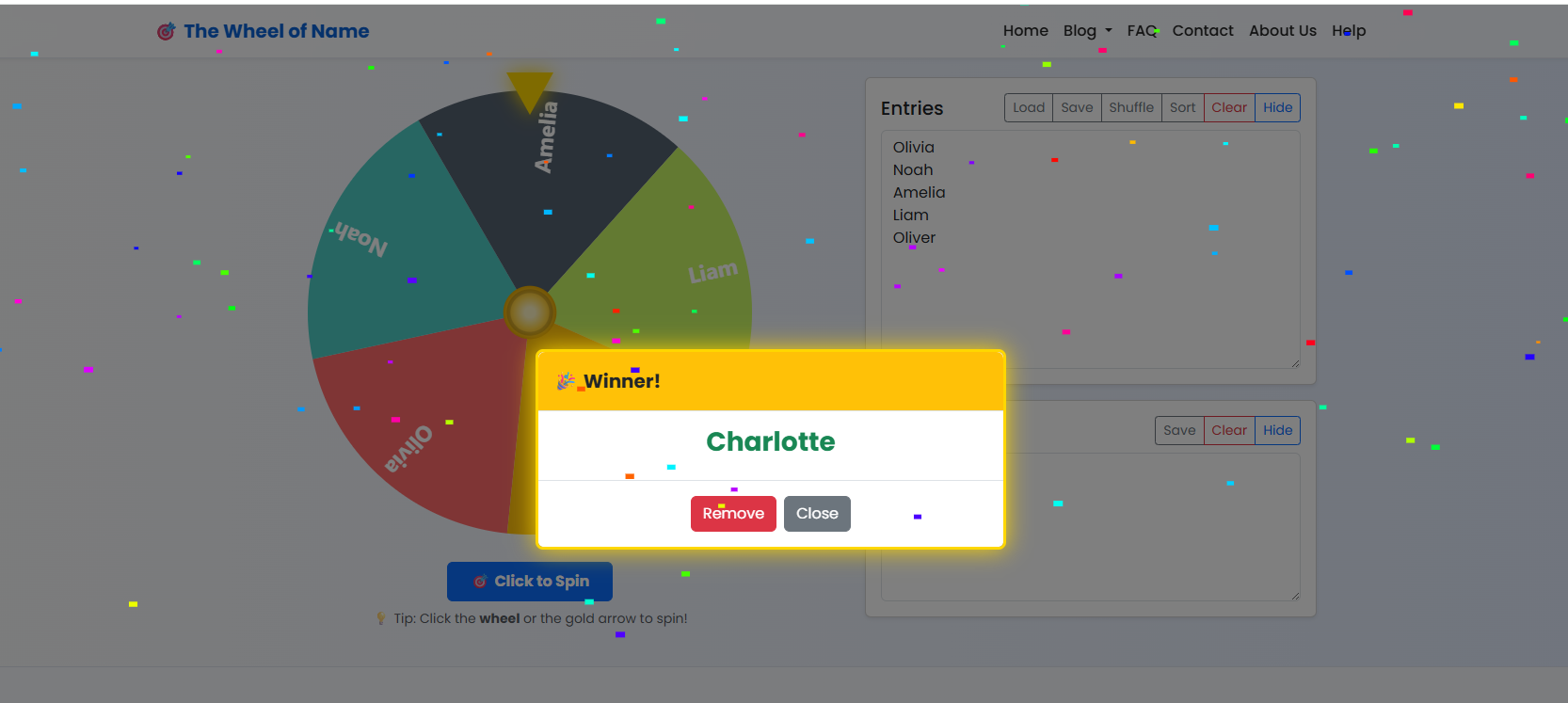
4️⃣ Step 4 — Remove Winner (Optional)
After a winner is chosen, you can click Remove in the popup. The name will be removed from the wheel and added to the Results list. When all names are removed, a final summary popup appears.
5️⃣ Step 5 — Save or Load Your List
You can save your list as a .txt or .json file and load it anytime for future spins — perfect for teachers, events, and games.
Frequently Asked Questions
Is The Wheel of Name free?
Yes, it is completely free to use online.
Can I save my wheel?
Yes, you can export your list as a .json or .txt file and reload it anytime.
Does the wheel remove winners automatically?
You can choose to remove the selected winner manually after each spin.
Ready to try it? Start spinning now and pick a winner instantly!
Share this wheel:
I just used this fun wheel on thewheelofname.com 🎡 Try it!.