Kids Image Identification Game
Build vocabulary, sharpen visual skills, and boost quick thinking with fun picture quizzes. Practice at your own pace, then test what you’ve learned.
📚 Practice Mode
Practice Section

Apple

Banana
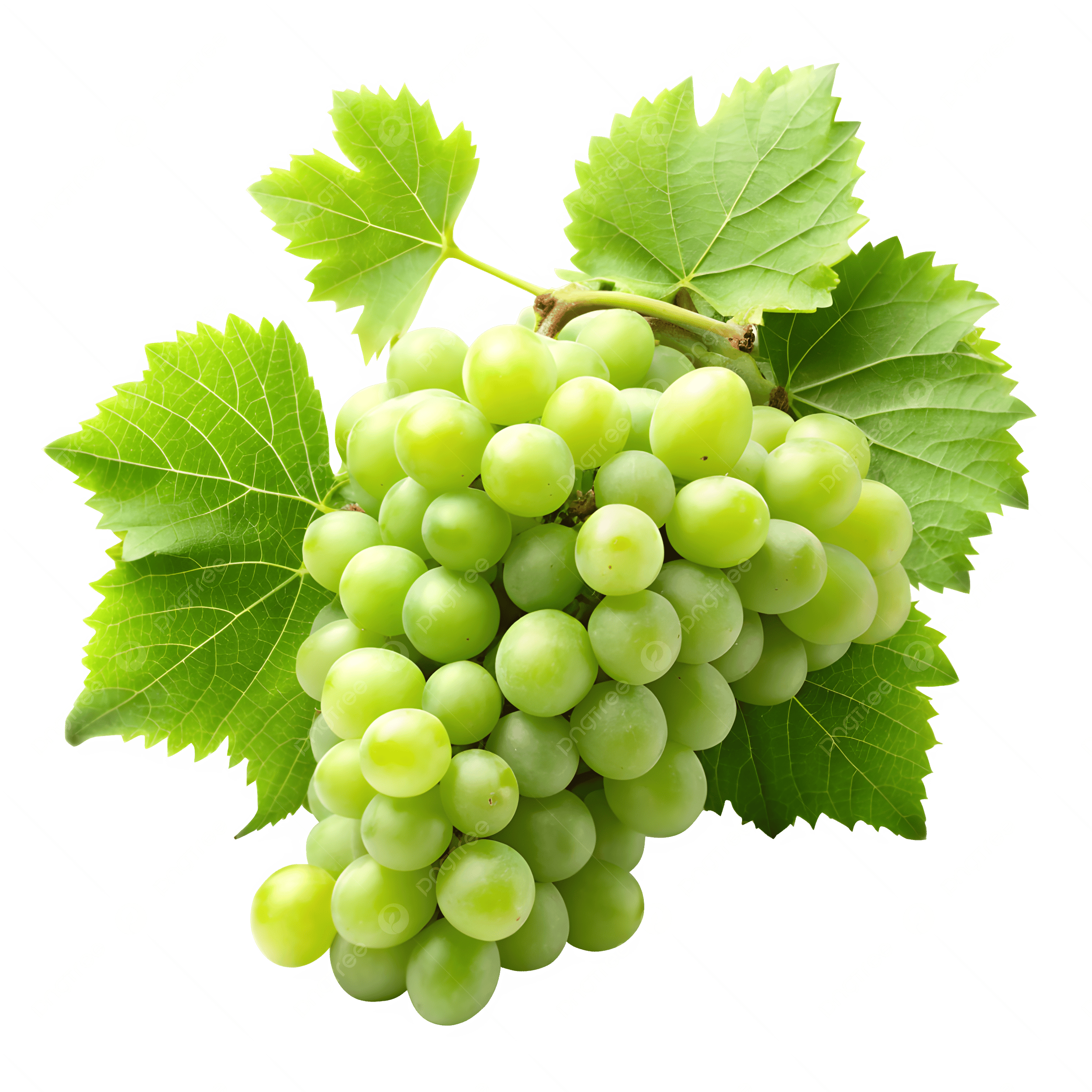
Grapes
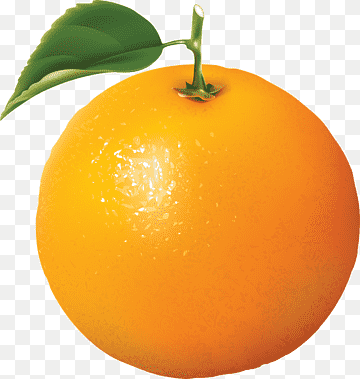
Orange
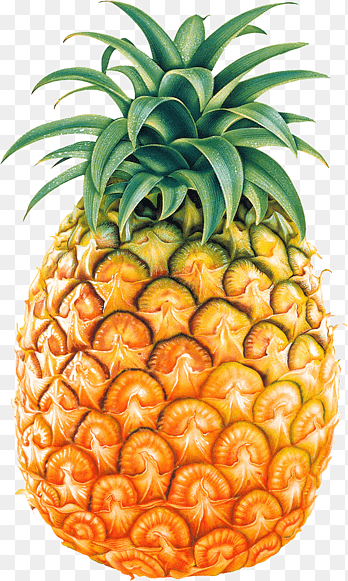
Pineapple
⏳ Test Mode
Test Section
Everything Children Need to Learn Visually
Designed by educators for kids aged 5–12 to make vocabulary learning genuinely fun.
Practice Without Pressure
Practice Mode shows each image with its name so children can learn at their own pace — no timers, no scores, just exploration.
Test What You Know
Test Mode challenges children to name images without hints, building confidence and measuring real vocabulary improvement.
6 Image Categories
Animals, fruits, vehicles, shapes, household objects, and nature — covering the core vocabulary topics in early childhood education.
ESL & Bilingual Support
Visual-word association is the fastest path to language acquisition. Perfect for ESL learners connecting pictures with English words.
Works on Any Device
Fully responsive on smartphones, tablets, and desktops. Use on a classroom projector, a family tablet, or a school laptop.
100% Free
No account, no subscription, no app download. All categories, modes, and features are permanently free for students and teachers.
Start Learning in 4 Easy Steps
Pick a Category
Choose a topic — Animals, Fruits, Vehicles, Shapes, Objects, or Nature — from the dropdown at the top.
Study in Practice Mode
Browse images with their names shown. Swipe or click through slides to build picture-word familiarity.
Test Your Knowledge
Switch to Test Mode and identify each image without hints. Reveal the name to check your answer.
Track Your Progress
Repeat across categories and modes. Each session builds speed, recall, and confidence step by step.
Perfect for School, Home & ESL
Classroom Teachers
Use as a 5-minute warm-up, vocabulary quiz, or interactive brain break. Project it on the board for group rounds or assign it to individual students.
Parents at Home
Replace passive screen time with 10 minutes of educational image practice. Works as a daily routine, travel activity, or family quiz night challenge.
ESL & Language Learners
Visual-word association is proven to accelerate vocabulary acquisition. Ideal for children learning English as a second language at any level.
Homeschool Families
A structured yet flexible tool for homeschool curricula. Covers core vocabulary topics aligned with early childhood and elementary education standards.
6 Learning Categories
Click any category to instantly switch the game to that topic.
Animals
Dogs, cats, lions, elephants, and more wild and domestic animals.
Switch to Animals ↑Fruits & Vegetables
Apples, bananas, grapes, carrots, and common produce items.
Switch to Fruits ↑Vehicles
Cars, trucks, buses, planes, and boats for transport vocabulary.
Switch to Vehicles ↑Shapes
Circles, squares, triangles, stars, and other geometric forms.
Switch to Shapes ↑Household Objects
Chairs, clocks, cups, books, and everyday home items.
Switch to Objects ↑Nature
Trees, clouds, flowers, sun, and school supply images.
Switch to Nature ↑Other Fun Tools on The Wheel of Name
More free educational and randomizer tools for classrooms, families, and games.
Wheel of Name
Spin a customizable wheel — perfect for random name picks in the classroom.
Spin the Wheel →Random Name Generator
Generate random names for characters, projects, or classroom activities.
Generate Names →Decision Maker
Spin a wheel to pick between custom options — great for classroom choices.
Try Decision Maker →Dice Roller
Roll D4 to D20 online — for math games, probability lessons, and RPGs.
Roll Dice →Coin Toss
Flip a virtual coin for instant heads-or-tails decisions in any game.
Flip a Coin →Random Yes or No
Get a quick yes or no answer — fun for classroom polls and decisions.
Try Yes or No →Frequently Asked Questions
Kids Image Identification Game — how it works and why it helps
The game shows a picture and asks the child to identify what it is. In Practice Mode, the name appears alongside the image so children can learn at their own pace by looking, reading, and connecting the two. In Test Mode, the name is hidden and children type or select their answer — which builds recall rather than just recognition.
The distinction matters. Recognition (seeing a cat and confirming “yes, that’s a cat”) is easier than recall (seeing a cat and producing the word independently). Most vocabulary games only test recognition. This one has both modes so children can build familiarity first, then test actual retention once they feel confident.
Why visual learning works for this age group
Young children process images before they process text. Pairing a word with a picture during the learning phase activates more memory pathways than seeing a word alone — the visual acts as a hook that makes the word easier to retrieve later. This is why picture dictionaries work better than word lists for early vocabulary: the image gives the brain something concrete to attach the word to.
For ESL and bilingual learners, the image bridges the language gap. A child who knows what an elephant looks like but doesn’t know the English word for it can learn the word by connecting it to the picture they already recognize. The learning direction is image → word, not word → definition, which is much more effective for young learners.
Classroom and home use
Teachers use it as a 5–10 minute warm-up activity: open the game on a projector, run through a category in Practice Mode as a class, then switch to Test Mode and call on individual students to answer. The visual format holds attention better than vocabulary drills and the game-like structure reduces anxiety around being called on.
Parents use it for home practice between school sessions — particularly for ESL families where English vocabulary development needs more reinforcement than classroom time alone provides. The six categories cover the vocabulary areas that come up most in early education: Animals, Fruits & Vegetables, Vehicles, Shapes, Household Objects, and Nature.
📖 From Our Blog
Share this wheel:
I just used this fun wheel on thewheelofname.com 🎡 Try it!.