Bring the classic party fun online. Host virtual Spin the Bottle sessions, share invite links, play truth-or-dare, and enjoy party variations — all from your browser.
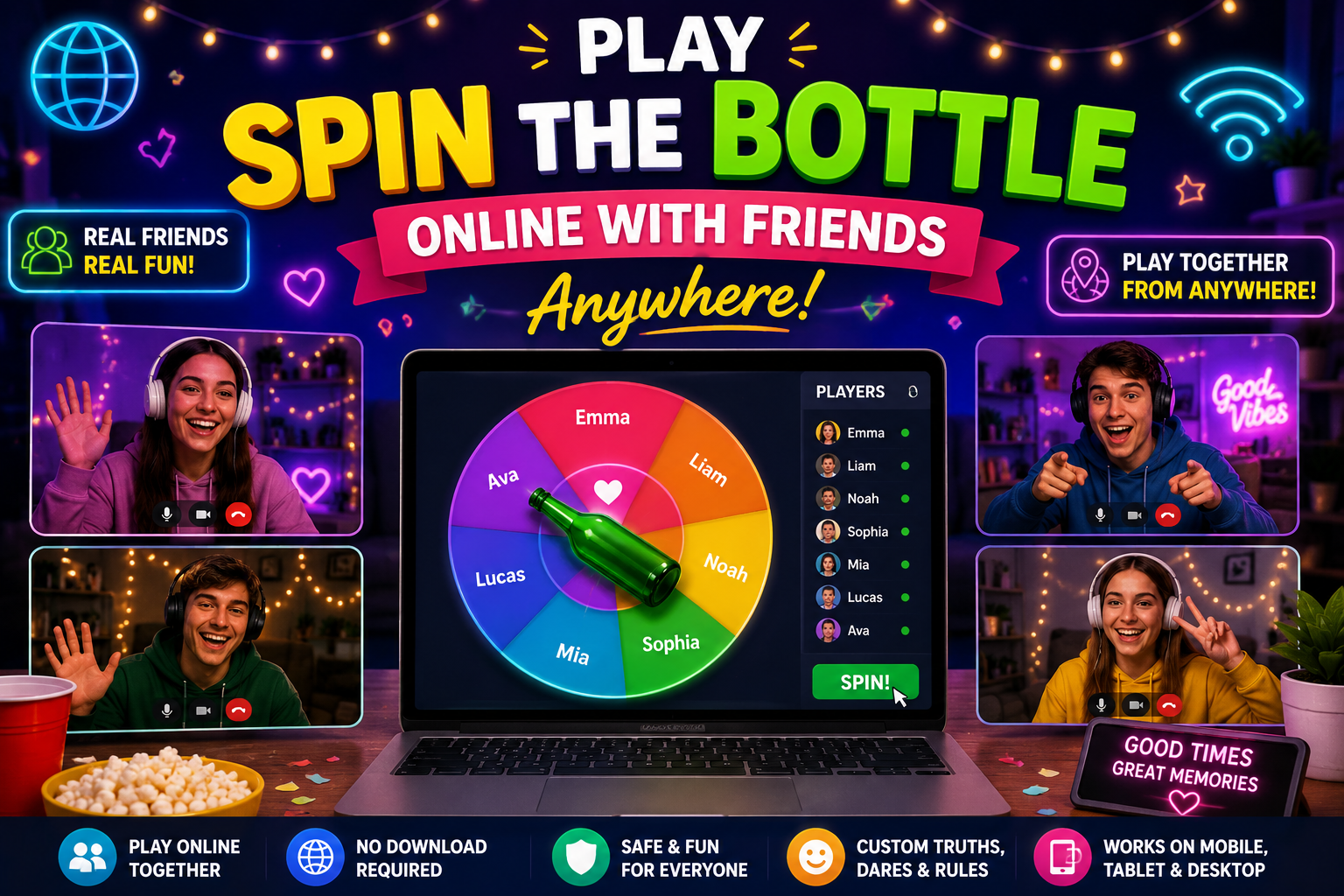
This online version is designed for friends, teens, and adults in a safe and respectful environment. Set your own rules and keep the game comfortable for everyone.
📚 Table of Contents
How to Play Online (Quick Setup)
- 🔗 Create a room: Open the Spin the Bottle tool and choose "Create Room" or "Start Session".
- 📨 Share invite link: Send the room link to friends via chat, email or text.
- 🎥 Use video chat: Combine with Zoom, Meet, or similar for face-to-face reactions.
- 🧑🤝🧑 Join players: Friends click the link and enter a display name — they’ll appear in the player list.
- 🧭 Spin & play: The spinner will randomly pick a player — choose Truth or Dare as you play.
Best Practices for Smooth Online Play
- 📶 Stable connection: Use Wi-Fi or wired internet for stable spinning and syncing.
- 📱 Device choice: Desktop or tablet recommended for best experience; phones work too.
- 🔔 Turn off notifications: Silence interruptions for a better party flow.
- 🕰️ Set time limits: Agree on a timer for dares or answers to keep rounds moving.
- 🔒 Room privacy: Use a private link and password for closed groups.
Fun Online Variations
- 🎯 Category Wheel: Assign categories (Truth, Dare, Challenge, Compliment) to spinner sectors.
- 🎭 Role Play: Dares where players act a character on video.
- 🎵 Music Spin: Winner sings a line, or music decides the next move.
- 📷 Photo Dare: Players post a silly photo to group chat as proof.
- 🏆 Scored Rounds: Award points for completed dares and keep a leaderboard.
Inviting & Managing Players
- 👥 Guest names: Ask players to use recognizable nicknames to avoid confusion.
- 🧾 Host controls: Host can remove players, restart spinner, or shuffle options.
- 🔁 Rejoin option: If someone drops, they can rejoin using the same link.
- 📋 Pre-fill prompts: Host can add Truth/Dare prompts before the session.
- 📊 Participant limit: For best experience, 4–12 players works great.
Troubleshooting & FAQs
- ❓ Spinner lag: Refresh the page or ask users to switch to a browser like Chrome/Edge.
- 🔄 Names not syncing: Host re-start or re-share invite link; ensure everyone uses same room URL.
- 🔇 No sound: Check browser audio permissions and volume settings.
- ⚙️ Feature missing: Clear cache or update browser; contact support if issue persists.
- 🧾 How to save prompts: Use the export feature or download the PDF for each list.
❓ Frequently Asked Questions
Can you play Spin the Bottle online?
Yes. Online Spin the Bottle games allow friends to join remotely using a shared room link or multiplayer session.
How do I invite friends to an online Spin the Bottle game?
Most online versions provide a shareable invite link. Send the link through messaging apps, email, or social media.
Is online Spin the Bottle safe for teens?
Yes, when played in private rooms with trusted friends and family-friendly rules.
Can I play Spin the Bottle on mobile devices?
Absolutely. Most browser-based Spin the Bottle games work on phones, tablets, laptops, and desktop computers.
What are the best online Spin the Bottle variations?
Popular variations include Truth or Dare, Challenge Wheel, Category Wheel, Music Spin, and multiplayer party modes.
Do I need to install an app?
No. Browser-based Spin the Bottle tools can usually be played instantly without downloading any app.
Share this wheel:
I just used this fun wheel on thewheelofname.com 🎡 Try it!.