Help / How It Works — Random Yes No Tool
New to the Random Yes No Wheel? Follow this quick guide to learn how to generate Yes, No, Maybe, or Try Again in a fun and interactive way!
1️⃣ Step 1 — Enter Your Question (Optional)
You may enter a question such as "Should I travel today?" or "Should I buy this product?" This step is optional — the tool works even without a question.
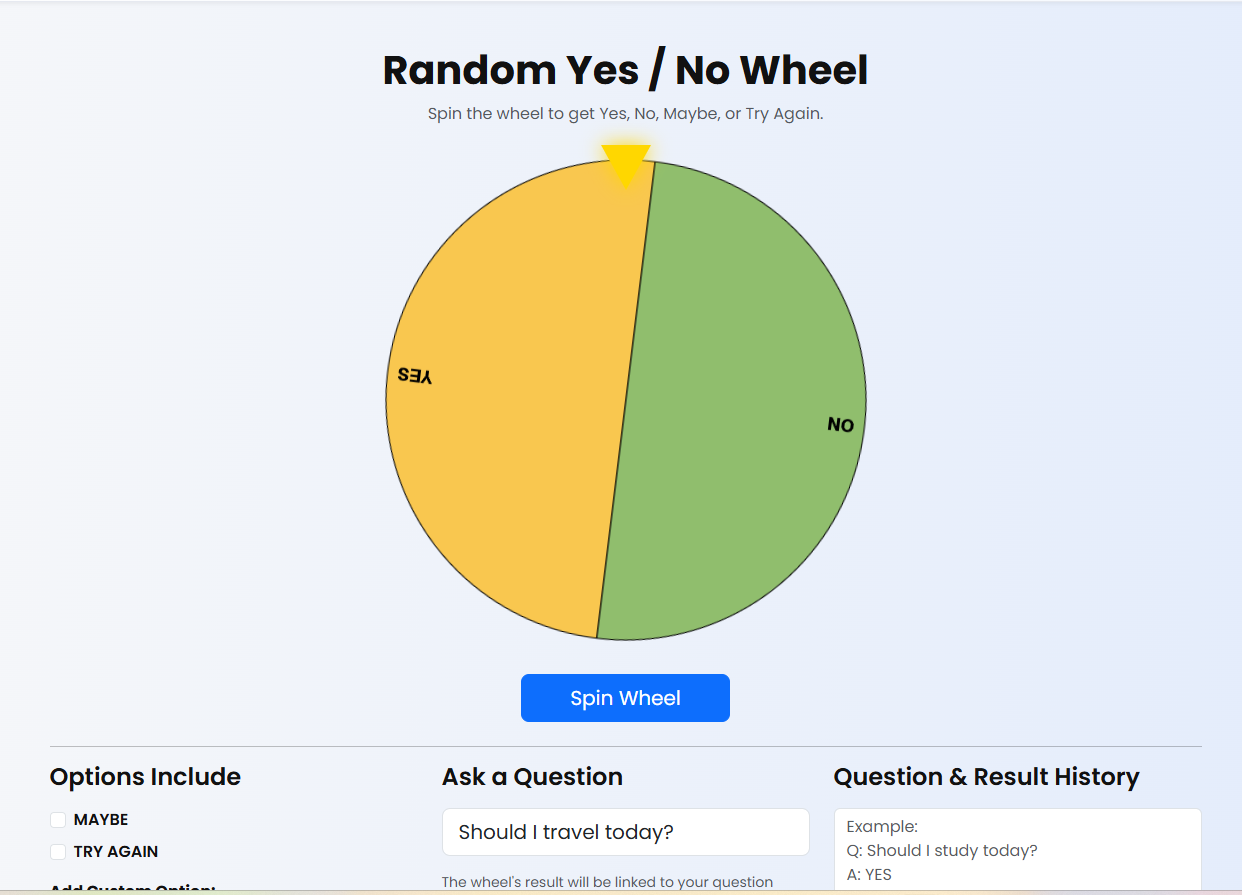
2️⃣ Step 2 — Click Spin Button
Press the Spin button to rotate the wheel. It will spin smoothly and stop at one of the four outcomes: Yes, No, Maybe, or Try Again.
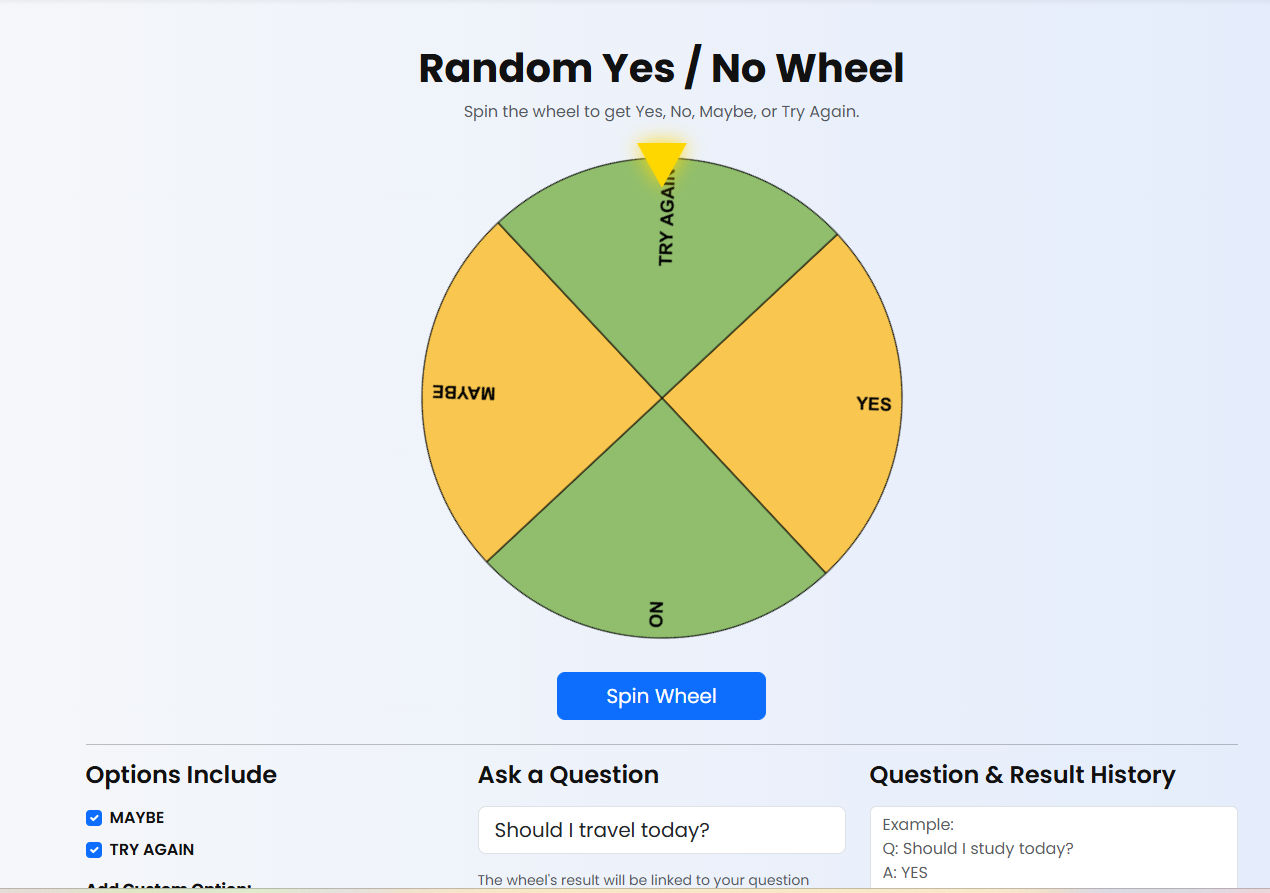
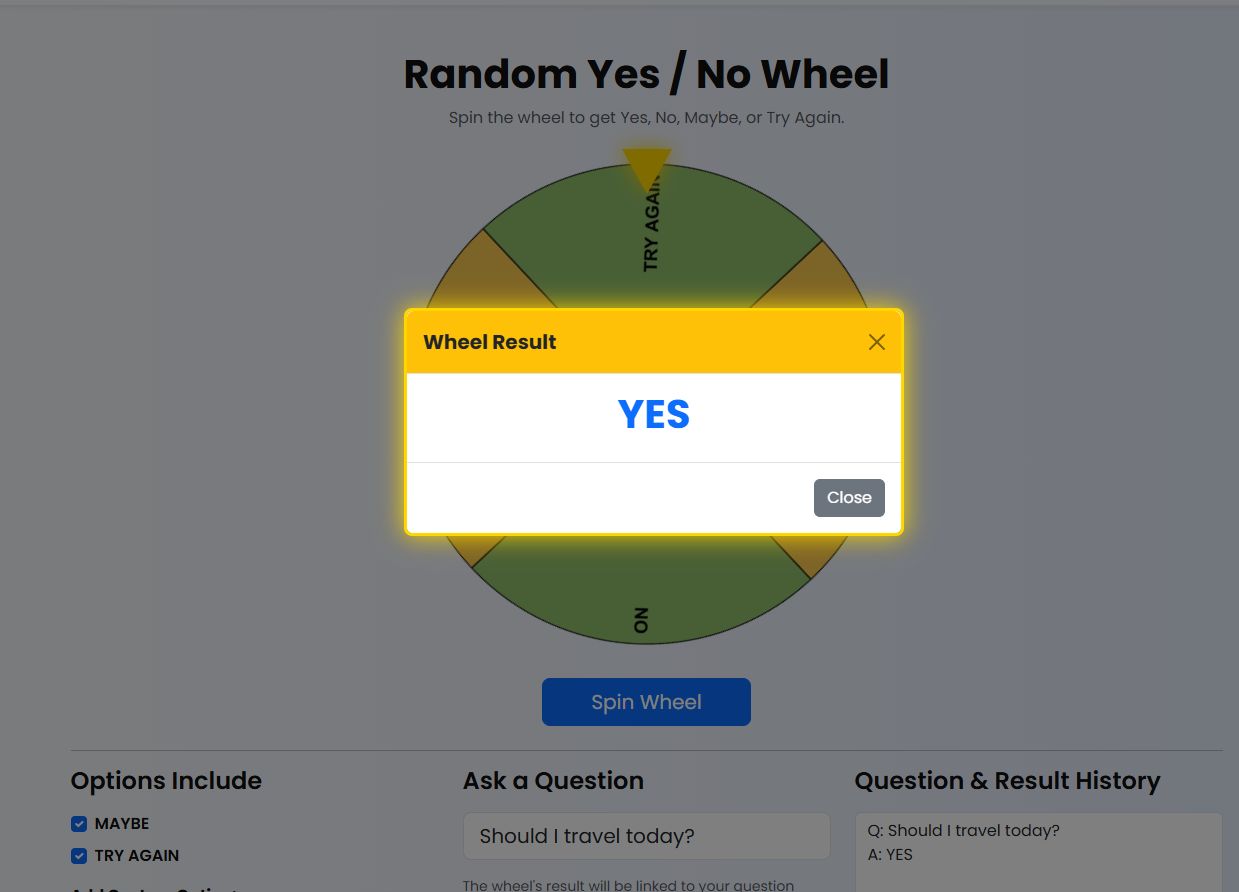
3️⃣ Step 3 — View Result
The result will appear prominently on the screen with animations. Use this for fun decisions, party games, or daily choices.
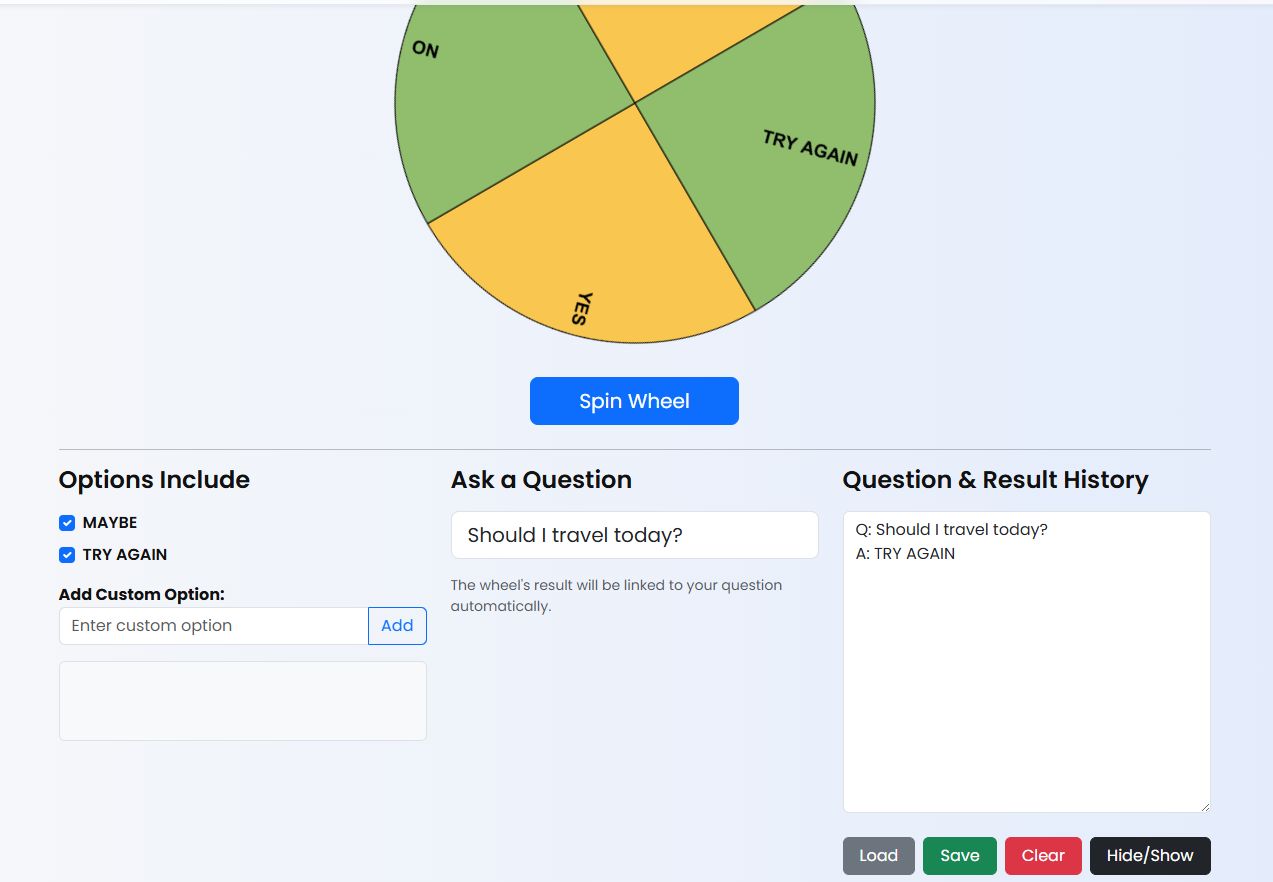
4️⃣ Step 4 — Save Your Question History
You can save your previous questions into a text file for future reference. Simply click the Save button.
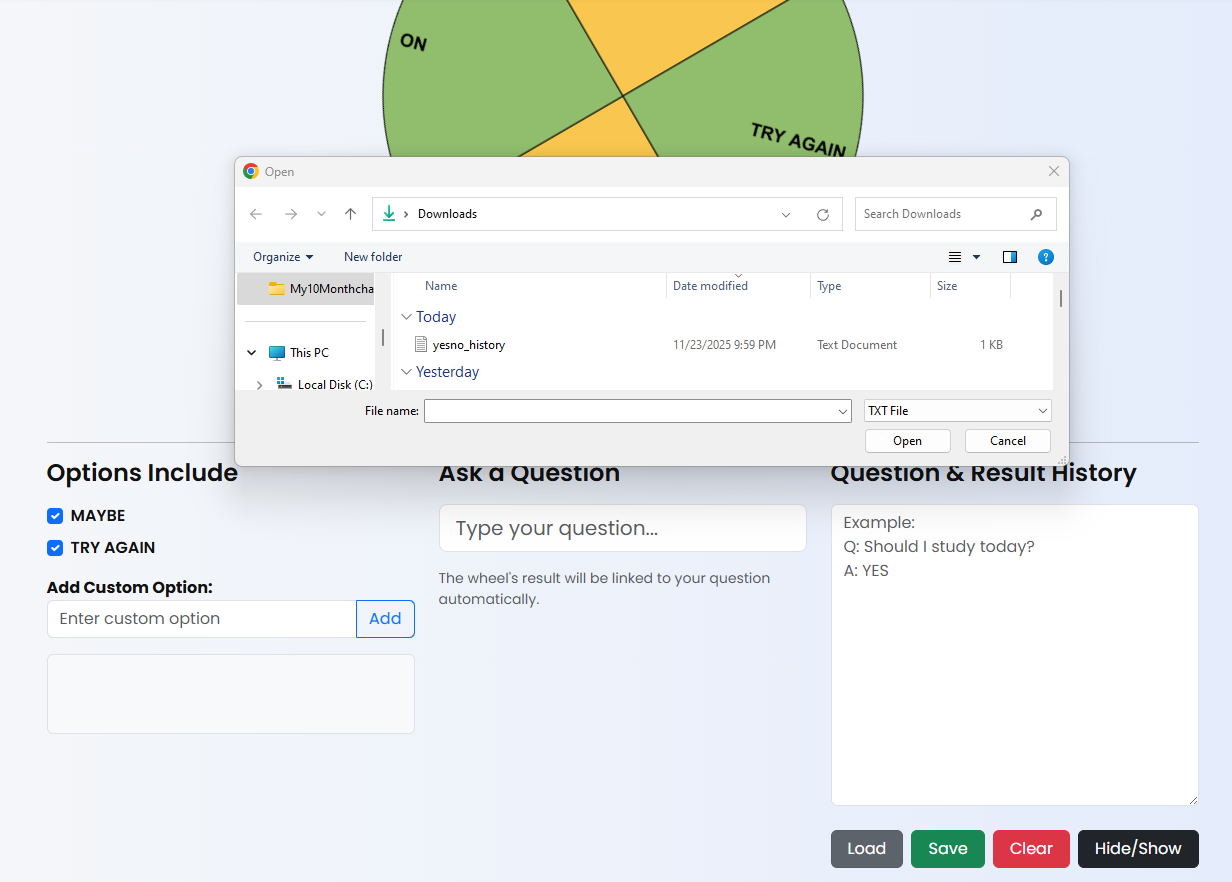
5️⃣ Step 5 — Load Previous History
Click Load to upload a saved history file. Your previous question list will instantly appear.
Share this wheel:
I just used this fun wheel on thewheelofname.com 🎡 Try it!.