Help / How It Works — Random Number Generator
This guide explains how to use the Random Number Generator — create single or multiple random numbers, save history, and customize your range.
1️⃣ Step 1 — Enter Minimum & Maximum Number
Enter the range for your random numbers. Example: 1 to 100. You can choose any range you want.

2️⃣ Step 2 — Select Multi-Roll Option (Optional)
Choose how many numbers you want to generate at once. You can generate 1–10 numbers in a single roll.
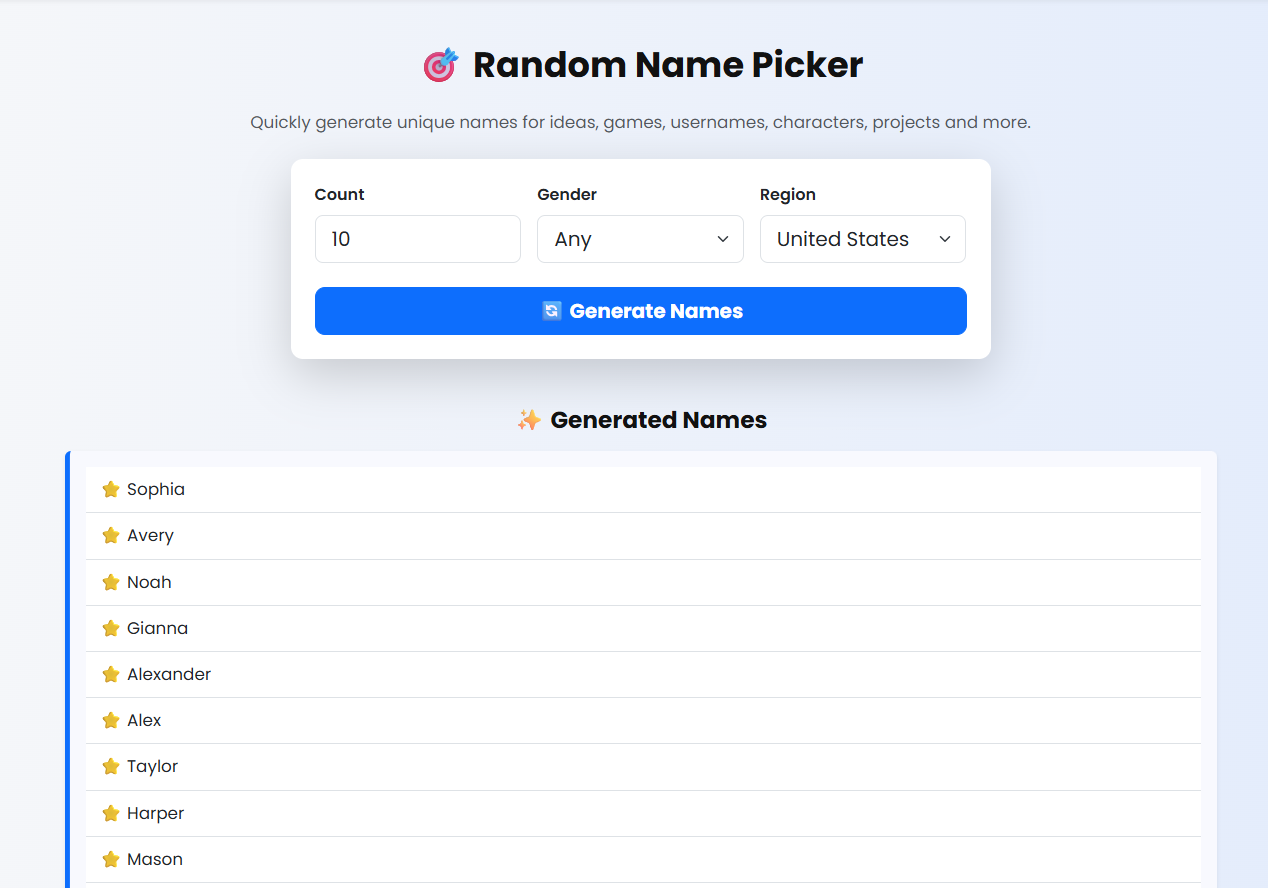
3️⃣ Step 3 — Click Generate
Press the Generate button. The tool will instantly display your random number(s). Confetti animation appears for more fun!
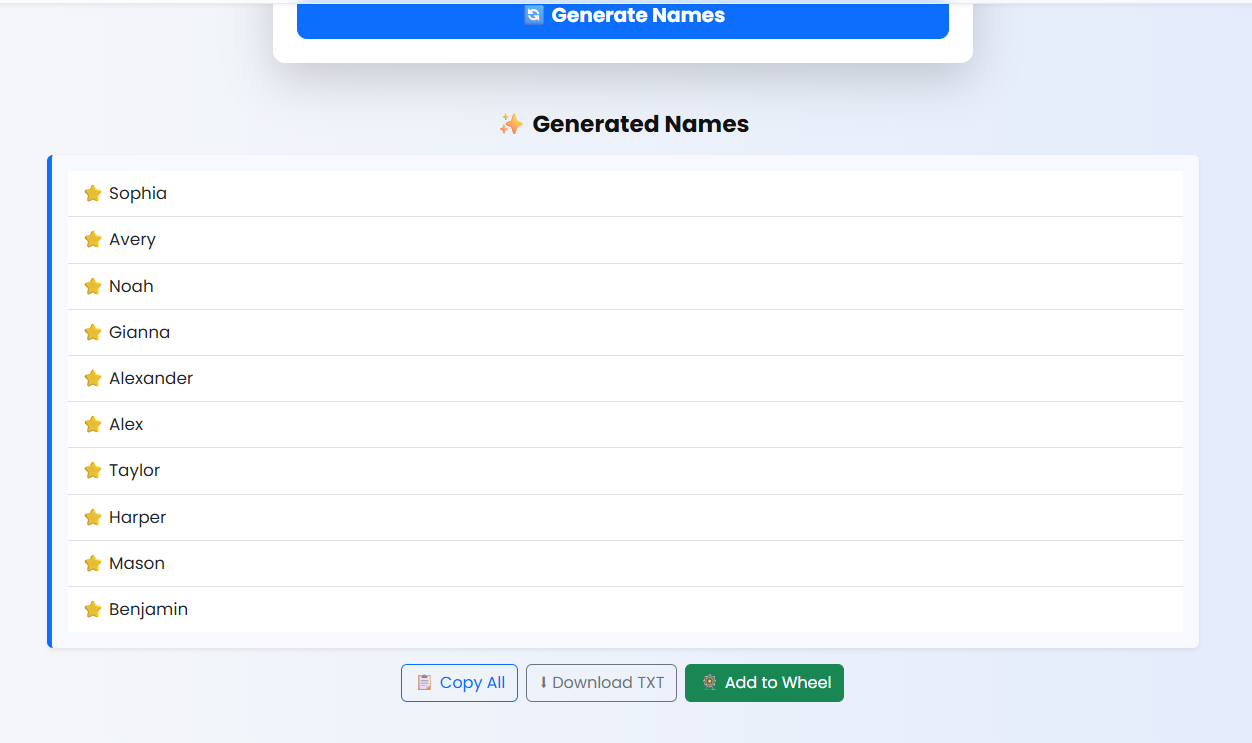
4️⃣ Step 4 — Copy Your Results
Click the Copy button to copy all generated numbers to your clipboard.

5️⃣ Step 5 — View & Save Number History
The tool automatically stores previously generated numbers in a history list. You can save this list into a .txt file anytime.

6️⃣ Step 6 — Load Previously Saved History
You can load a previously saved .txt history file and restore the entire list instantly.

7️⃣ Step 7 — Use Default JSON Examples
Use ready-made JSON presets such as 1–10, 1–100, and 1–1000 for quick generation.

Share this wheel:
I just used this fun wheel on thewheelofname.com 🎡 Try it!.